Track a debt
If someone owes you money, or you owe someone, a debt account keeps track of it separately from your real bank, cash, and card balances — so it never gets counted as money you actually have to spend.
Add a debt account
Section titled “Add a debt account”From Budget, scroll to the Debts section.
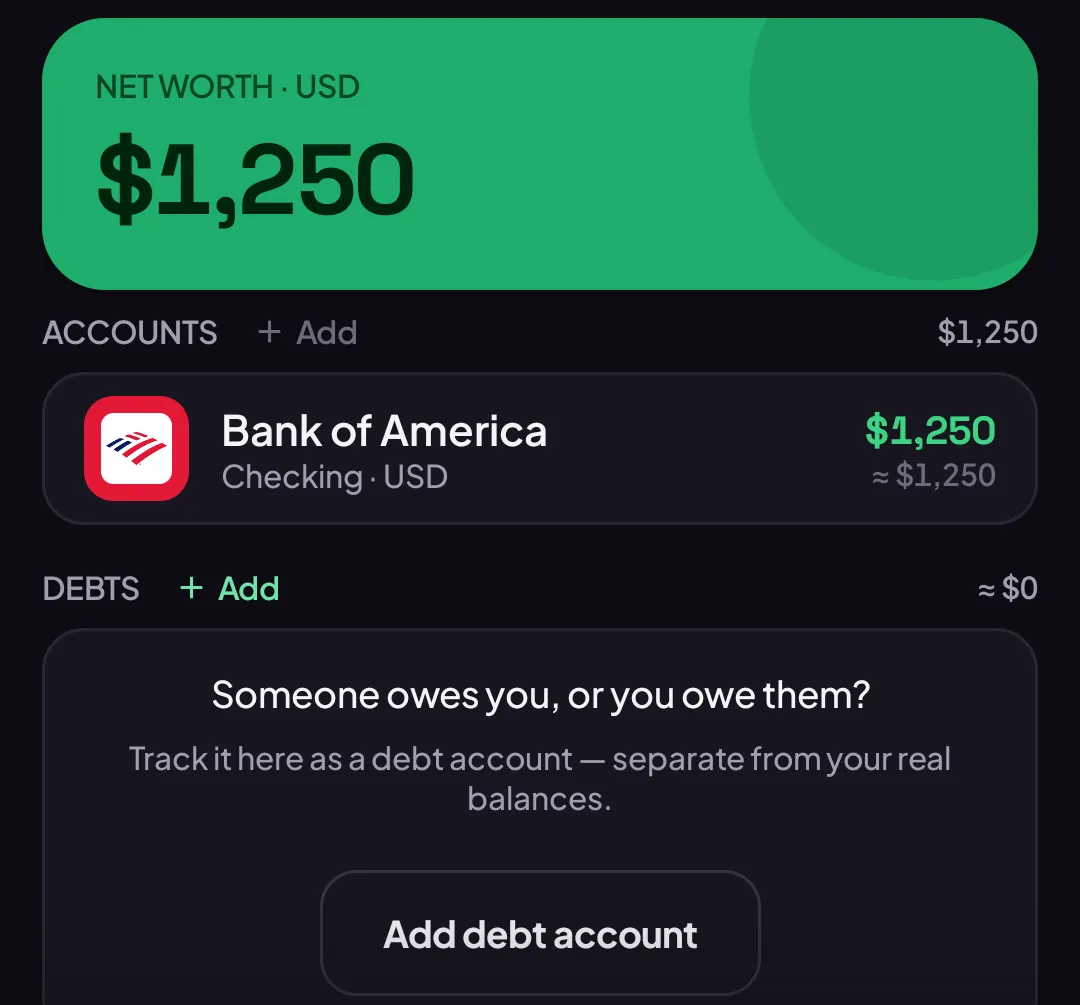
- Tap Add debt account.
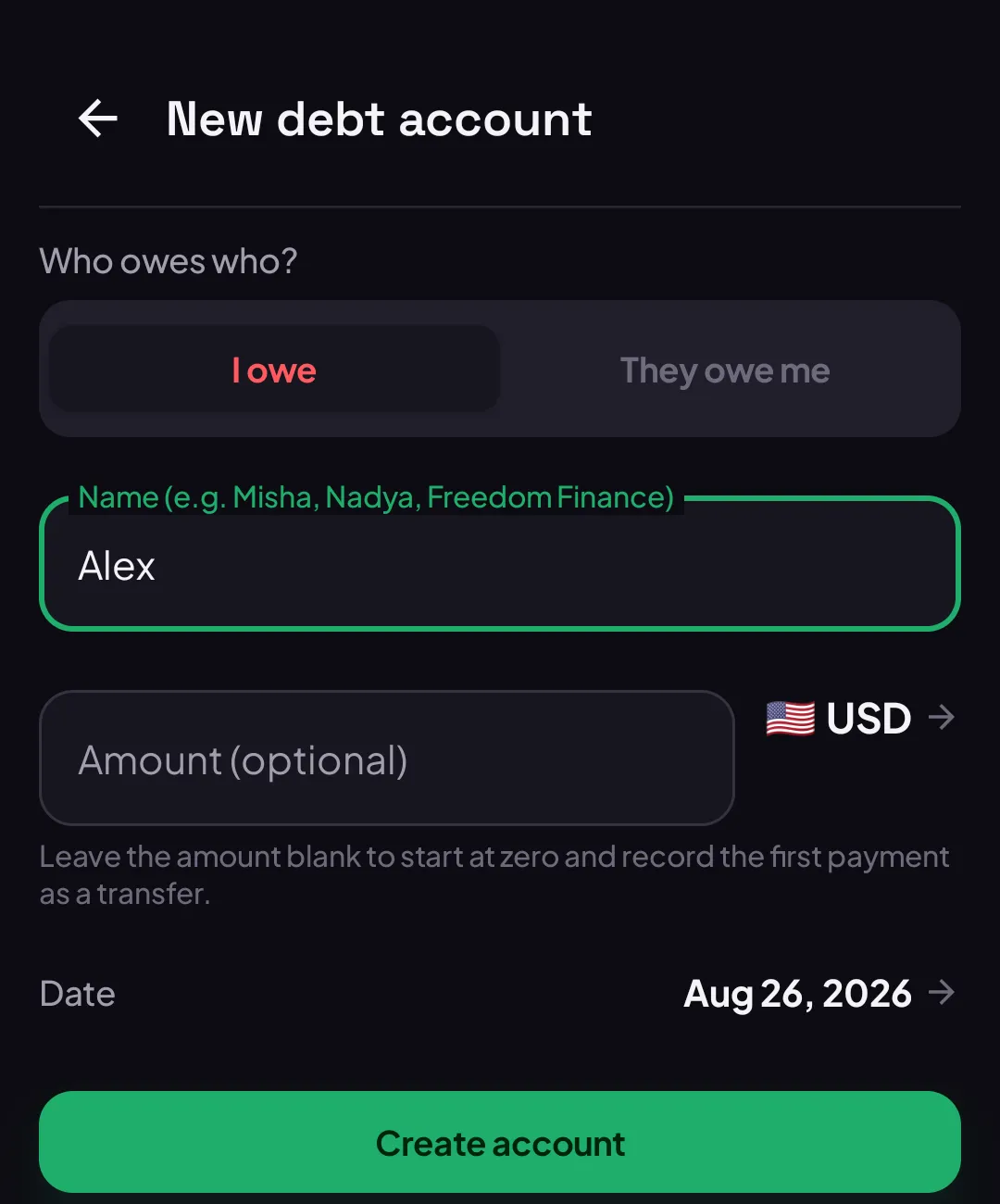
- Choose I owe or They owe me.
- Type a name — a person’s name, or whatever you call the debt.
- Leave Amount blank to start the debt at zero, or type what’s owed right now.
- Tap Create account.
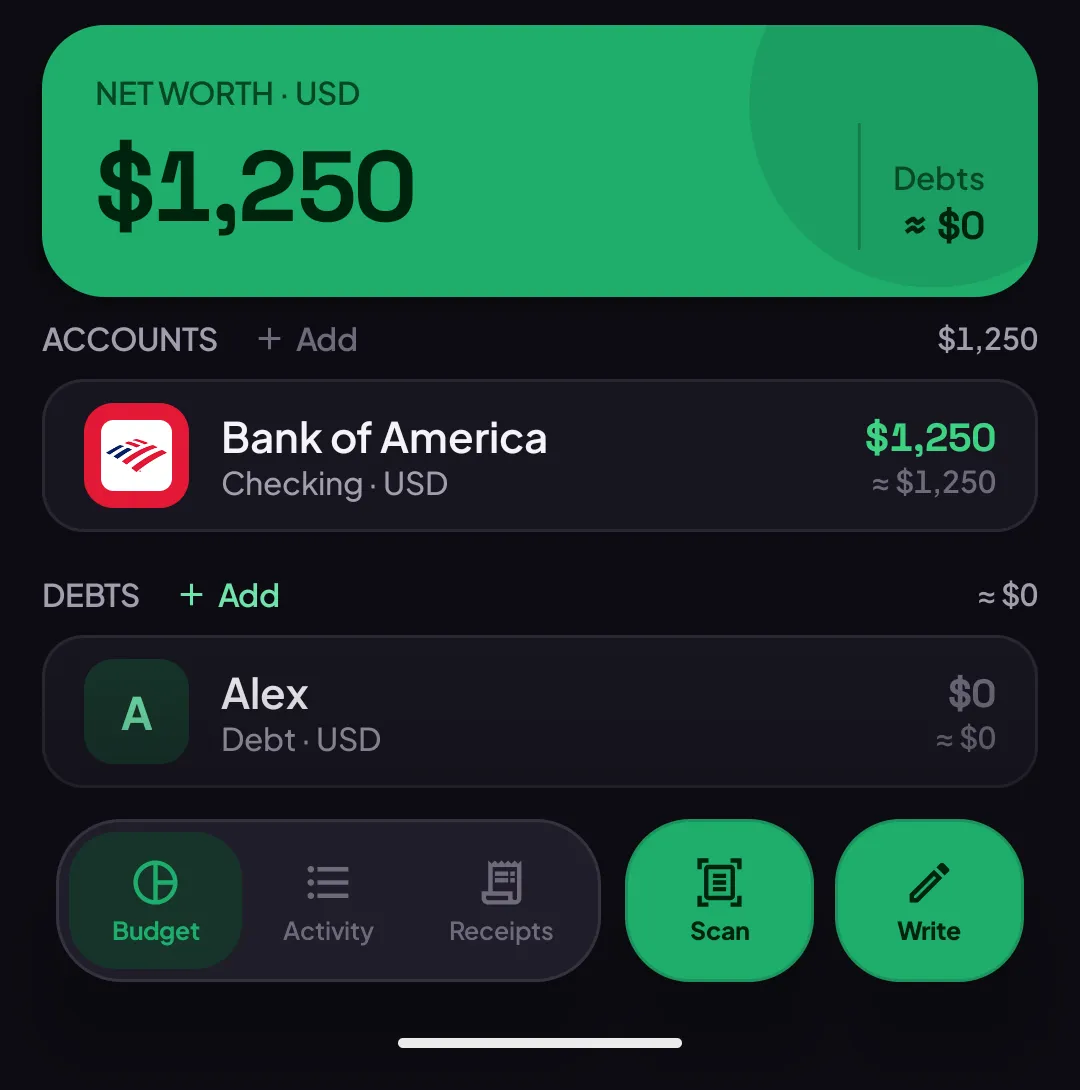
What you can do afterward
Section titled “What you can do afterward”Open the debt account’s settings to change two things any time — unlike a real account, a debt’s currency and direction aren’t locked once it has transactions, because the history just gets recalculated, never erased:
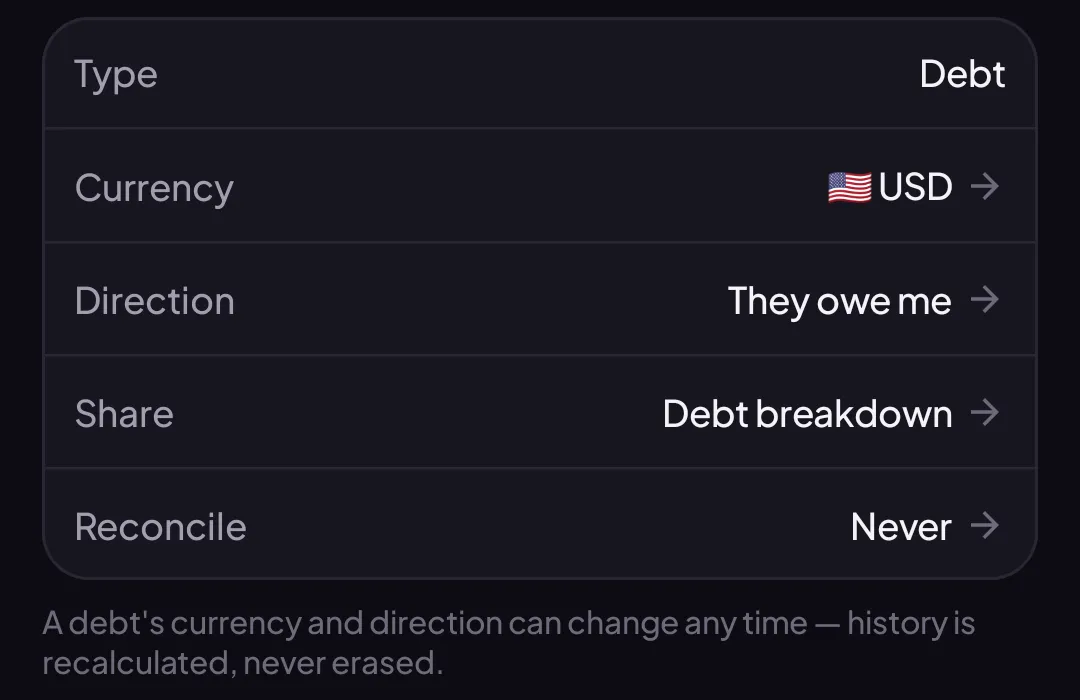
- Direction — flip who owes who, if it changes.
- Share — create a private link showing how the debt’s balance was calculated, so you can send it to the other person without giving them access to the app.
Good to know
Section titled “Good to know”- Leaving the amount blank when you create a debt isn’t the same as forgetting to fill it in — it’s the right choice when you’re starting a tab from zero and want the first real payment recorded as a normal transfer.
- A debt account’s currency can be anything, independent of your budget’s main currency — see Understanding your budget currency.
- Importing transactions isn’t available on mobile yet.
- Don’t need a debt around anymore? See Archive an account — deleting one isn’t offered, but archiving hides it just as completely and keeps it restorable.