Delete your account
Deleting your account is different from signing out. Signing out just ends your session on this device — your data stays put. Deleting removes everything and can’t be undone.
What gets deleted
Section titled “What gets deleted”- Every transaction, receipt, photo, account, budget, category, and payee in any budget you started on your own
- Your login itself — you’ll need to sign up again to come back
-
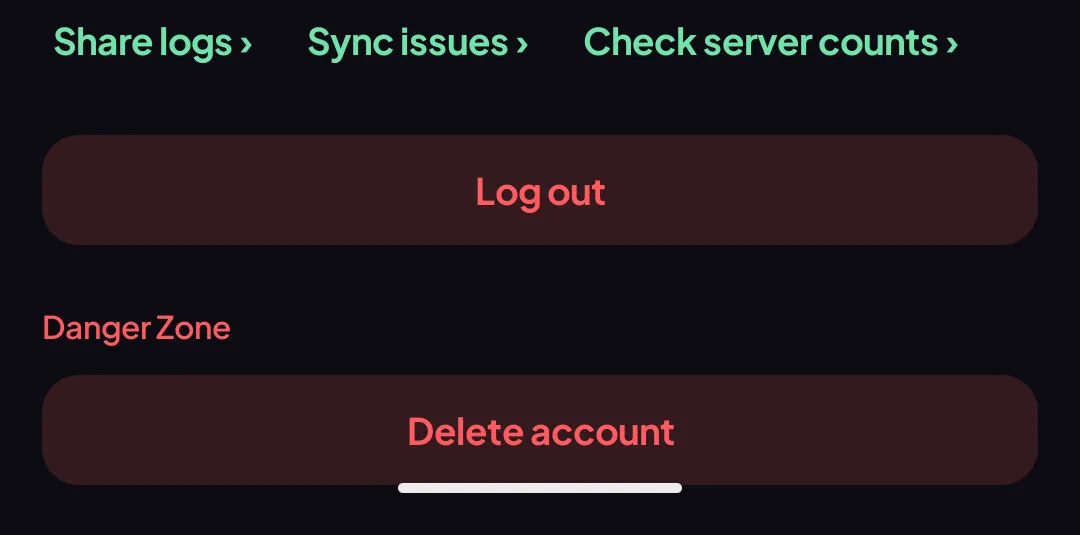
Settings → Danger Zone → Delete account.
-
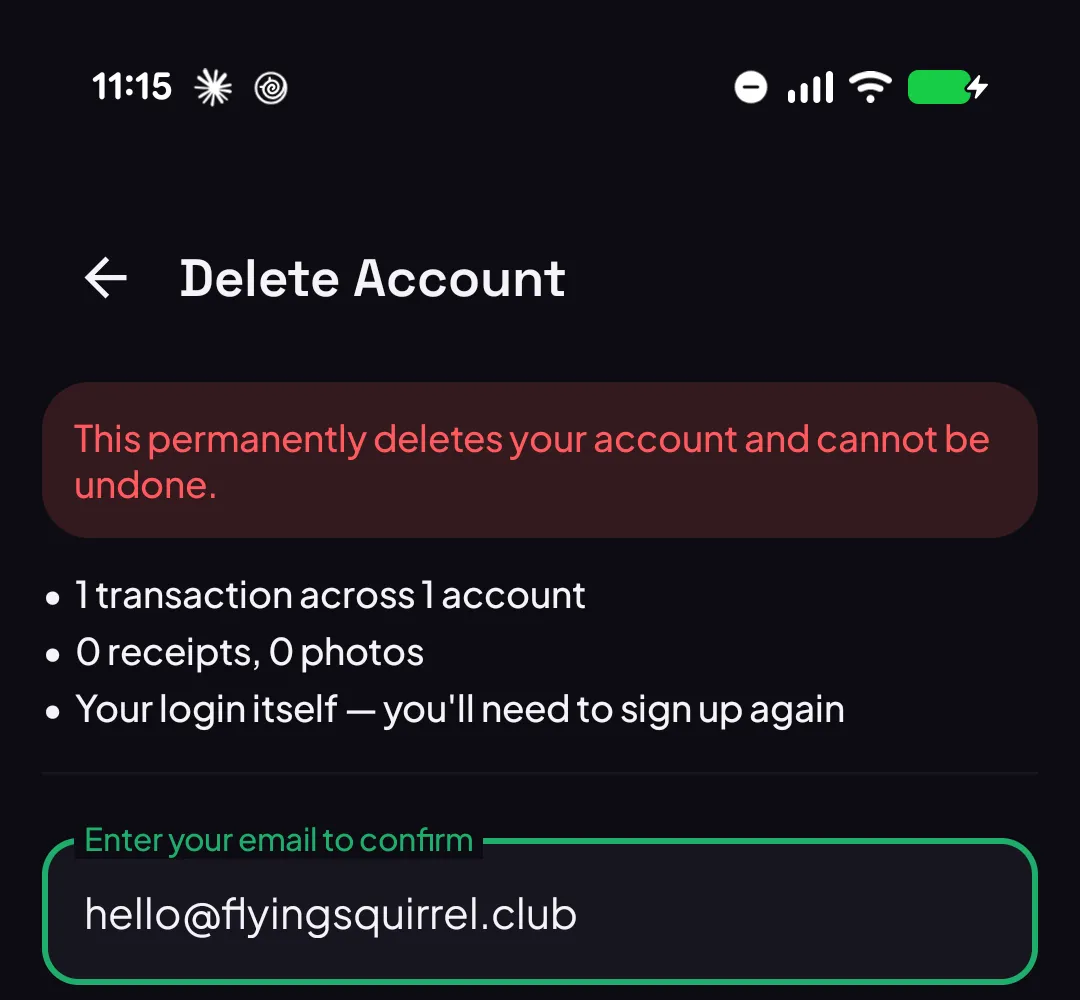
Check the summary — it lists exactly what’s about to go.
-
Type your account’s email to confirm, then tap Delete account again.
You’re signed out the instant it finishes.