
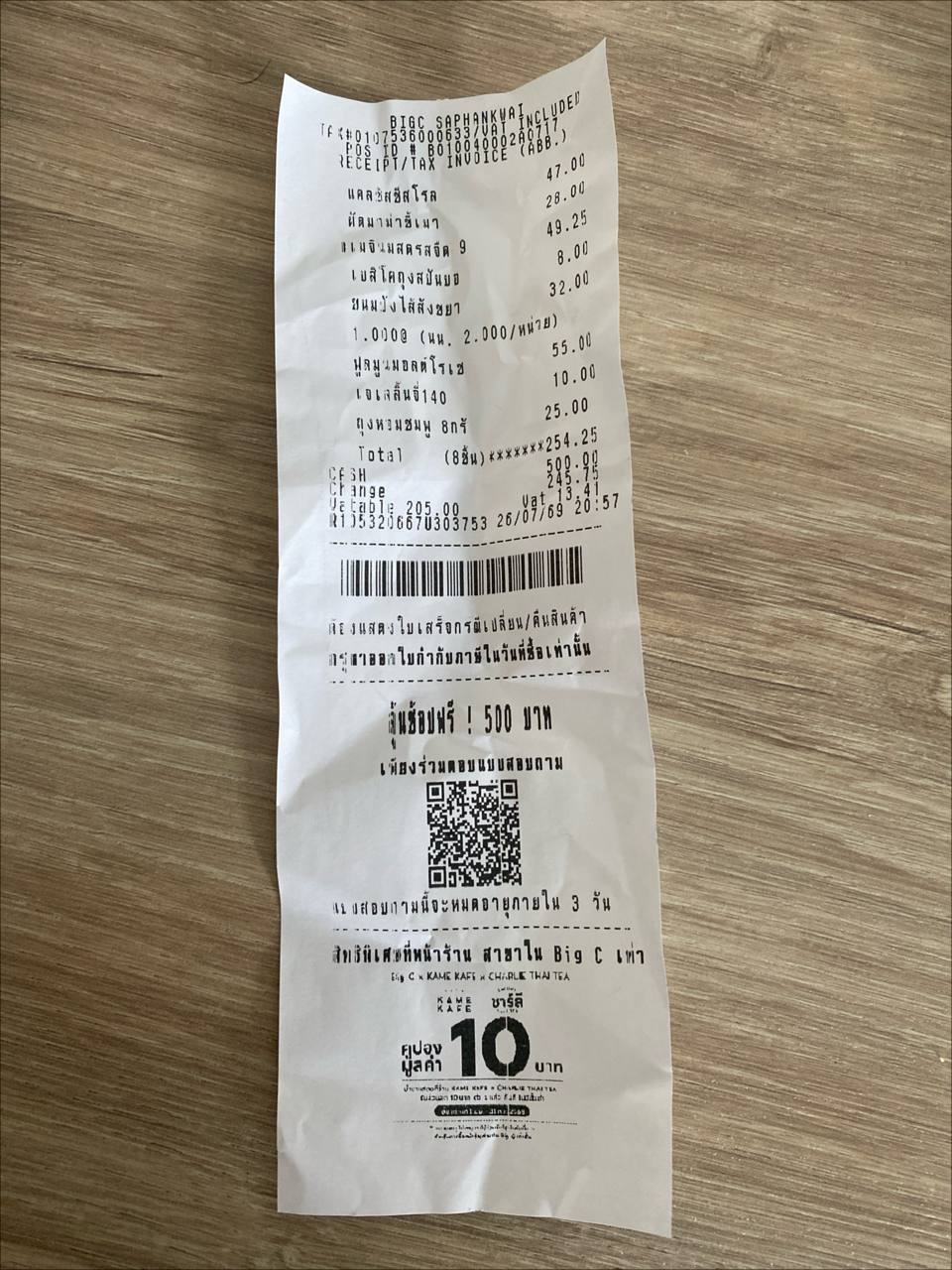
Read it in your language
Translated item names sit beside the originals, so you can understand the purchase and still refer back to the receipt.
Receipt scanner app for personal expenses
Take one photo. Fili translates the items, converts the prices into a currency you understand, and puts your spending into budget categories.
From a little piece of paper to a purchase that makes sense.
🇹🇭Bangkok, Thailand
+5 more items
Exchange rate$1 ≈ ฿33.33
Ready to check and save
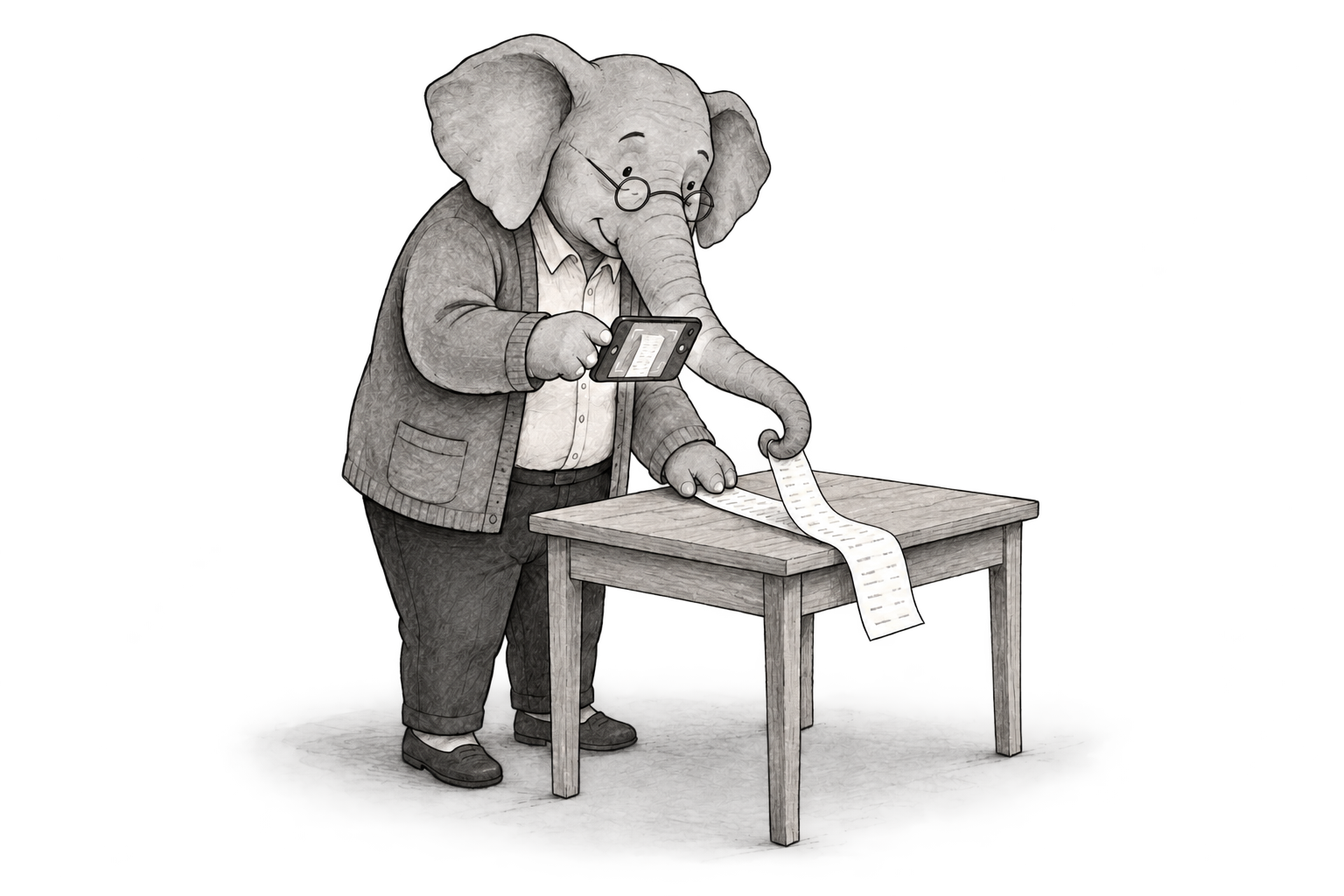
A café. A market. The weekly shop.
A receipt can hold more than a total: what you bought, what each item cost, and where the money went. Fili brings those details into your own language and currency, even when the original receipt is unfamiliar.
Keep the original names and prices alongside the translation, converted amounts, and exchange rate. You can check the details before saving the expense.
Translated item names sit beside the originals, so you can understand the purchase and still refer back to the receipt.
See converted and original prices together, with the exchange rate used for the calculation.
Groceries, dining out, household purchases: see where each item belongs in your budget.
The details, in Fili
The details stay with the purchase, from the first photo to your spending history.
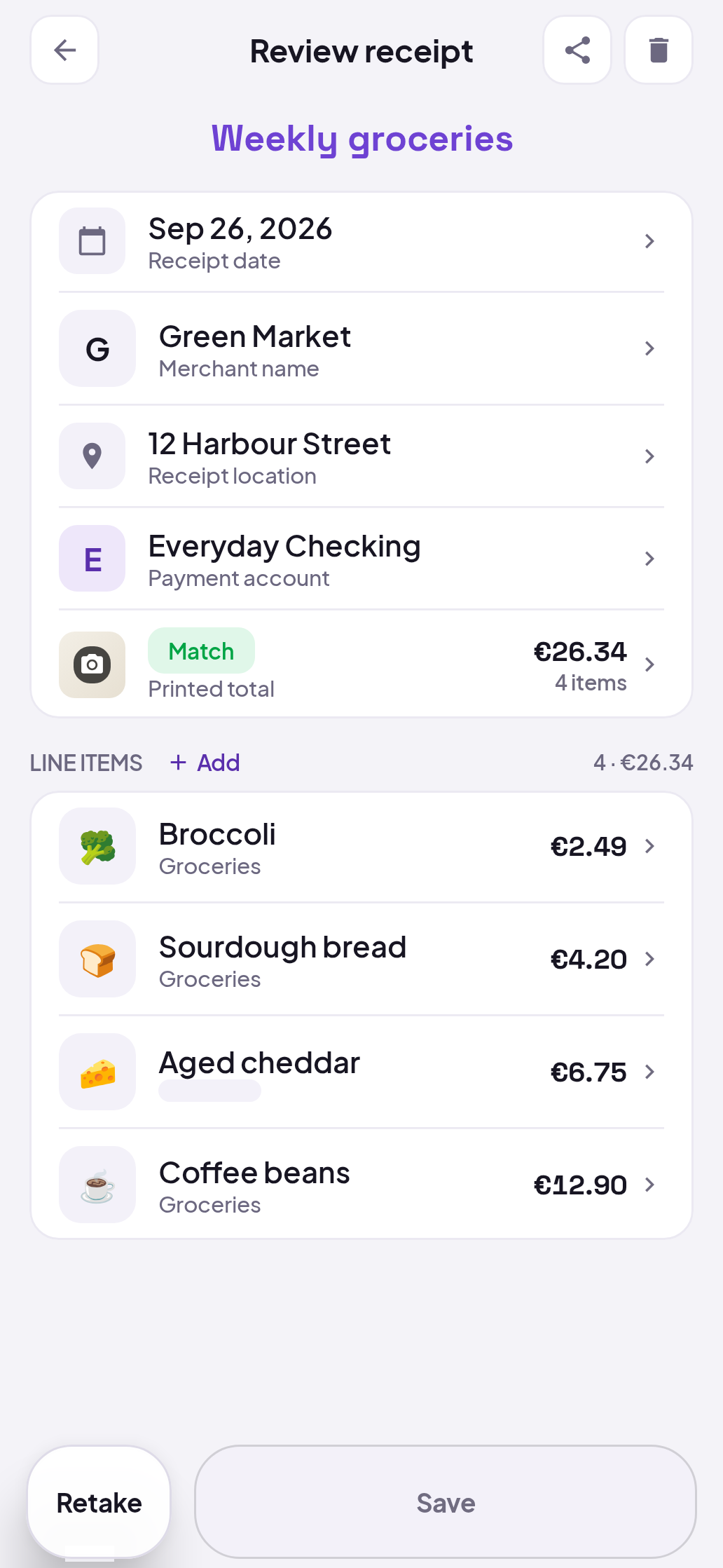
Review the purchase items, total and categories before saving.
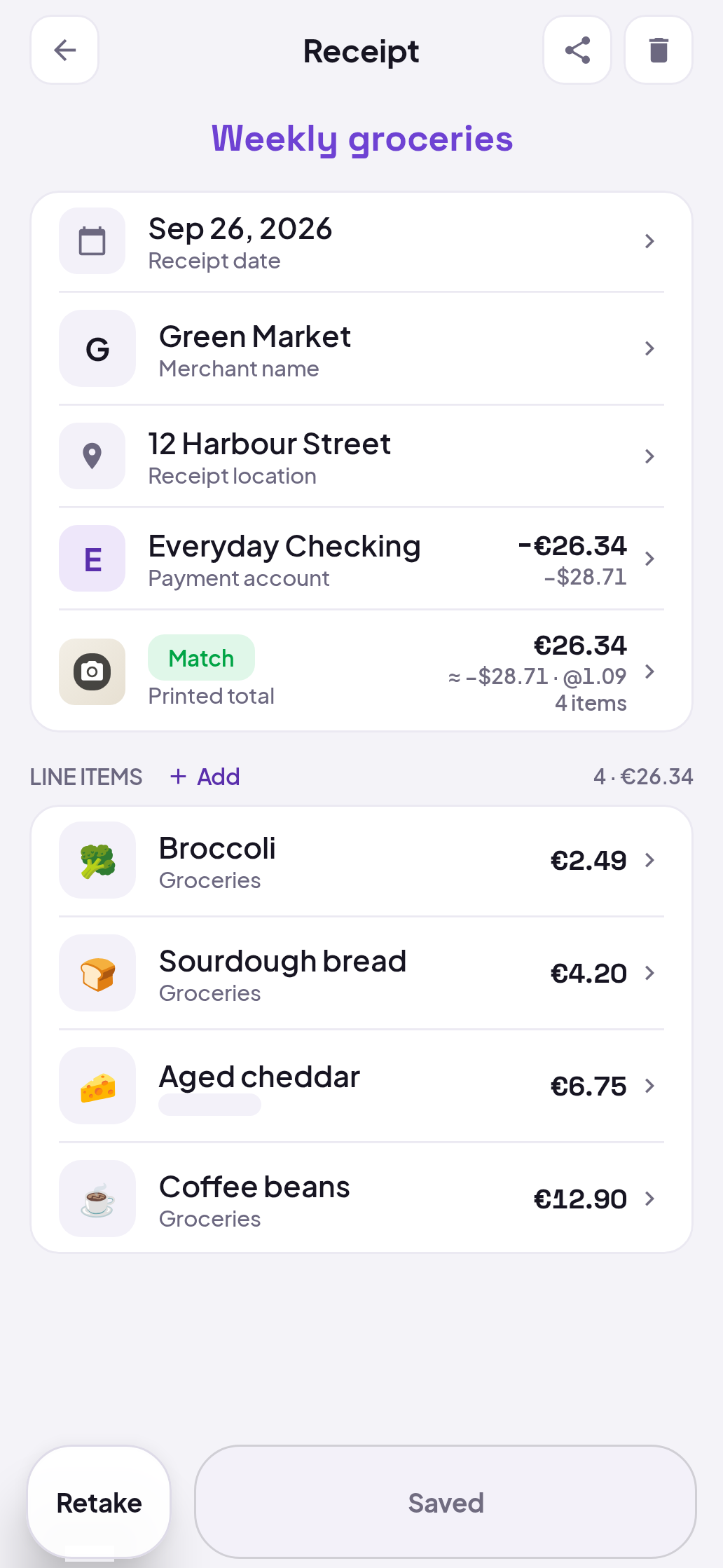
Return to the original amount as well as its converted value.
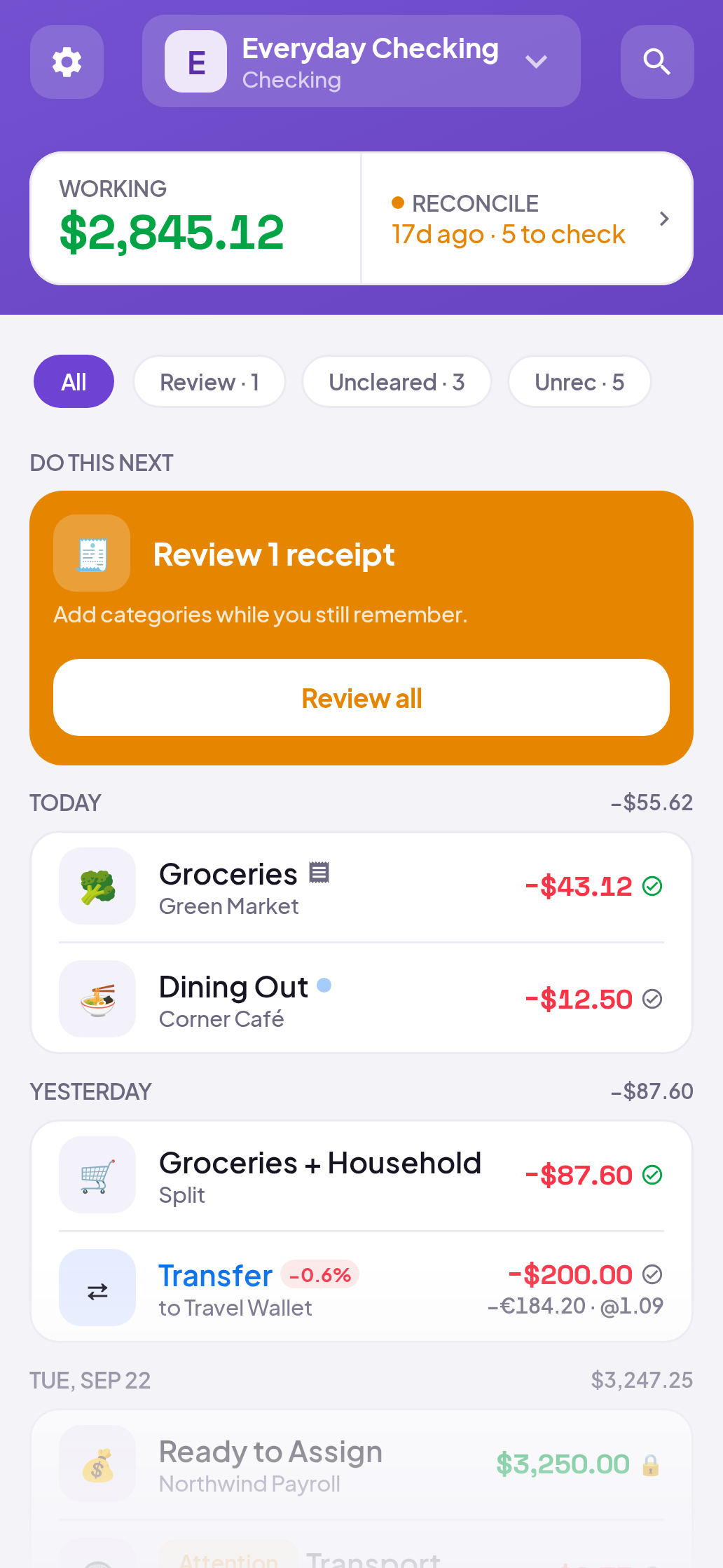
Find the saved purchase again in your expense history.
A little help, in your hands
Photograph the receipt, see the translated items and converted prices, then check the categories and save. The photo does the heavy lifting.
A few things you might wonder
Fili reads the receipt, translates its items, converts prices into your currency, and assigns budget categories. You can review the result and save the purchase as an expense.
Yes. Original item names and amounts remain beside the translated names and converted prices. The receipt also shows the exchange rate used.
Yes. Review the recognized items, total, currency and categories before saving. Receipt recognition can need corrections, especially with unclear photos.
Yes. Use the receipt scanner for groceries at home, meals on holiday, or purchases in a different currency. Saved expenses help you follow your budget over time.
Get to know Fili. One little purchase at a time.